

Your Journey with BigChange Starts Now
We're excited to have you on board. This guide will walk you through the implementation process and show you how to get the most out of your BigChange investment.
Lifecycle of Service
Sales
The sales team help understand your needs and determine how BigChange can help you be successful.
Implement
Your implementation specialist helps you get initial value in the first 90 days.
Support
You have access to our support repositories and teams from day one, 24/7.
Success
Customer success is here to help you layer value on your investment as your trusted advocate.
Service Timeline
Steps to Implementation
Power-Up
Toolbox Talk – Navigating the system & app
Toolbox Talk – Data prep/imports
Toolbox Talk – Scheduling
Toolbox Talk – Customer/resource & fleet setup
Scope
- Explore your business processes and requirements.
- Map to the features and functionality of BigChange.
- Understand customer’s data needs and flows.
- Map out deliverables to a scope and plan.
Implement
- Sharing/preparing initial configurations.
- Be on hand for questions as you configure the system.
- Help you apply learning on system by way of supporting webinars.
- Collaborate with you to effectively onward train.
Review
- Support testing & troubleshooting.
- Help you make final optimisations to your configuration.
Complete
- Answer any final questions before completing project.
- Formally introduce the Customer Support process.
- Introducing Customer Success.
Power-Up Workshops
A series of engaging, hands-on workshops that introduces new & existing customers to BigChange, sets expectations, and prepares them to use the platform with confidence.
Navigating the System & App
WeeklyQuick wins for day-to-day use. Live demos, best practices, and Q&A.
Data Prep/Imports
MonthlyEnsuring clean, structured data migration for powerful onboarding.
Scheduling
MonthlyHands-on training to streamline job allocation and boost efficiency.
Customer/Fleet Setup
MonthlyMake sure your foundation is rock-solid and scalable for long-term success.
Our Training Methods
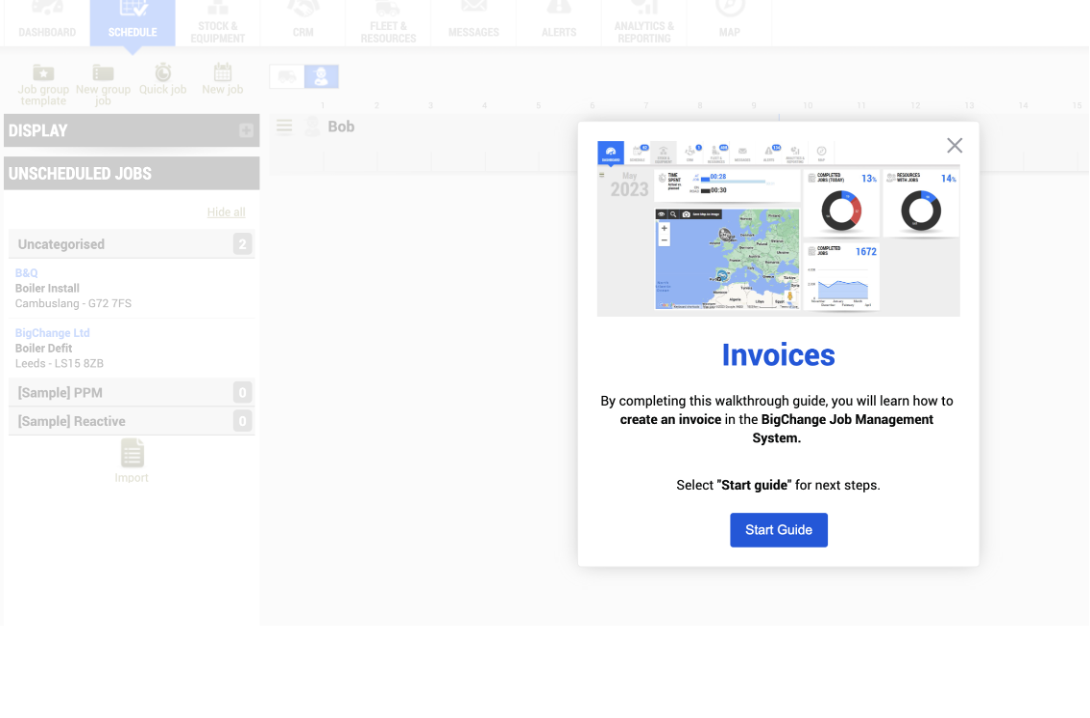
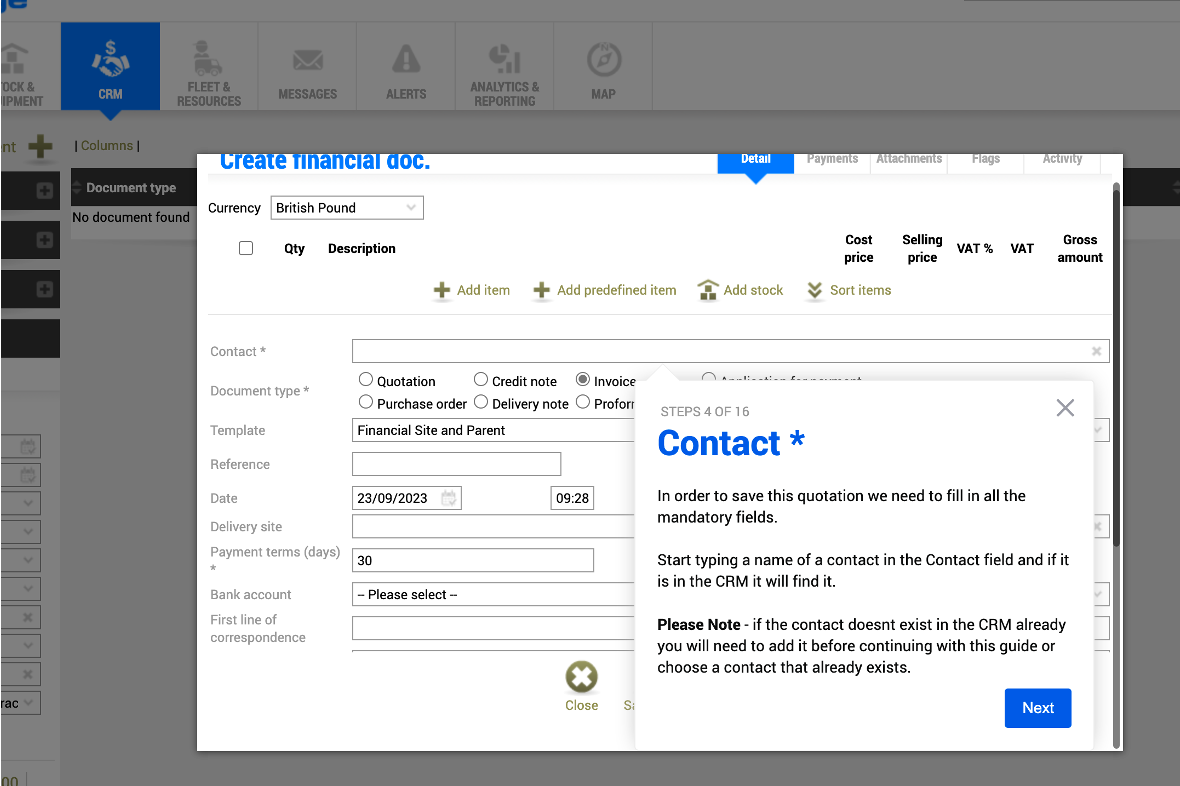
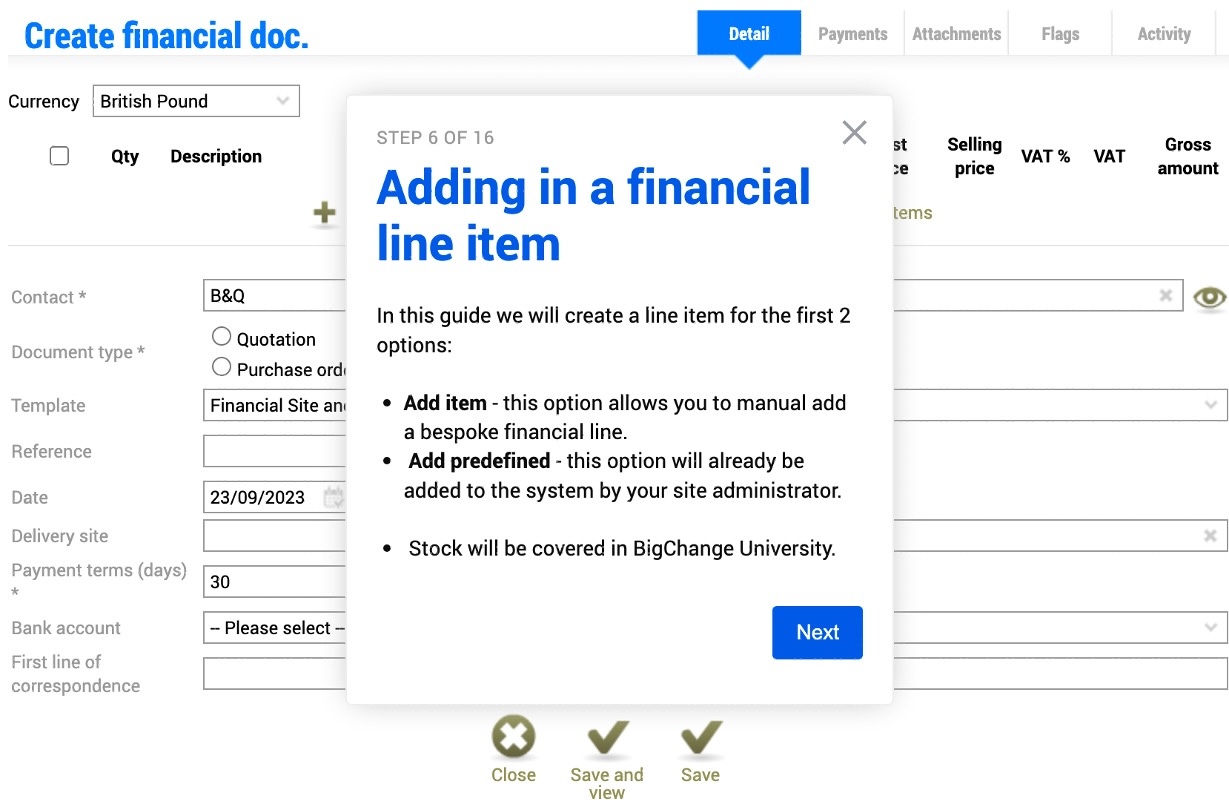
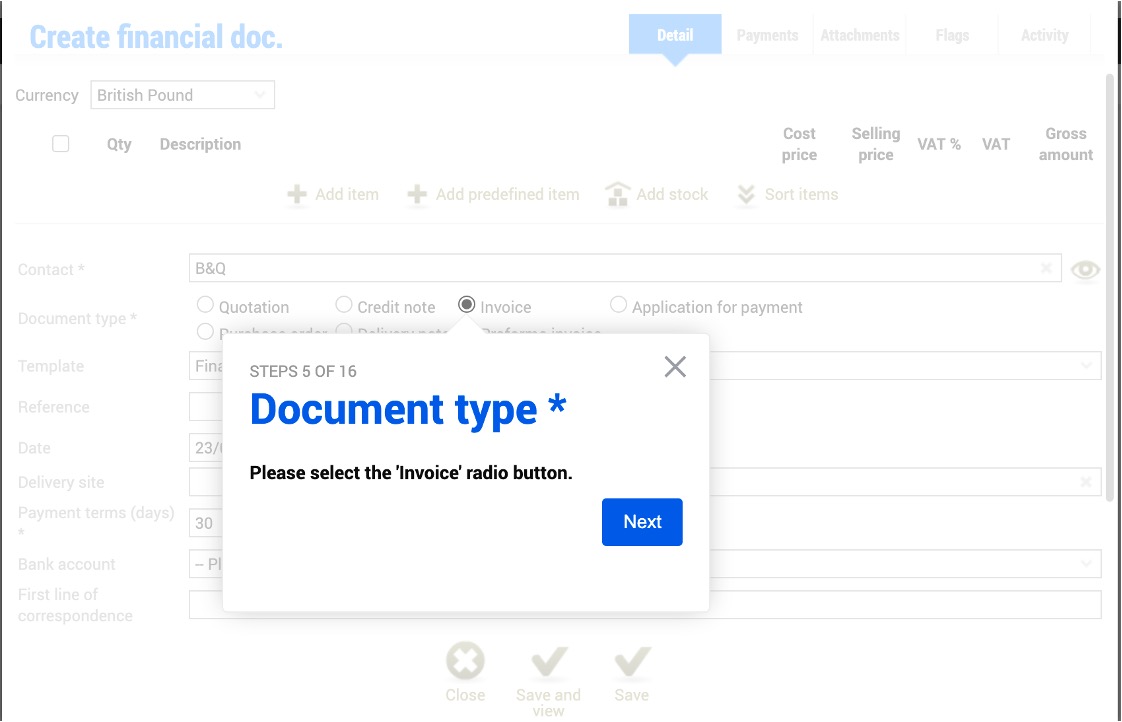
BigChange Walkthrough Guides
Interactive, step-by-step guides within the BigChange platform to help you learn key processes at your own pace.
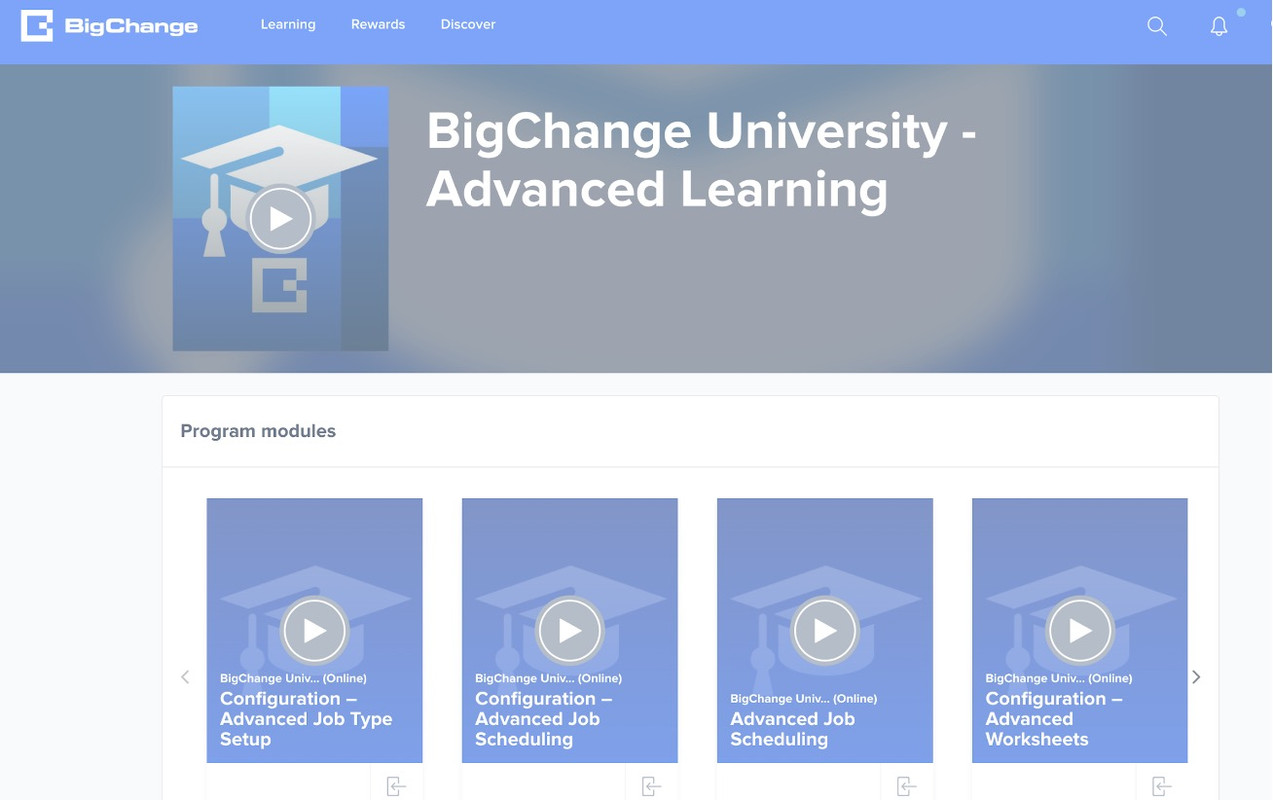
BigChange University (BCU)
Become a certified expert with our structured learning paths. Progress from Core to Expert level.
Core
14 modules
Advanced
26 modules
Expert
18 modules
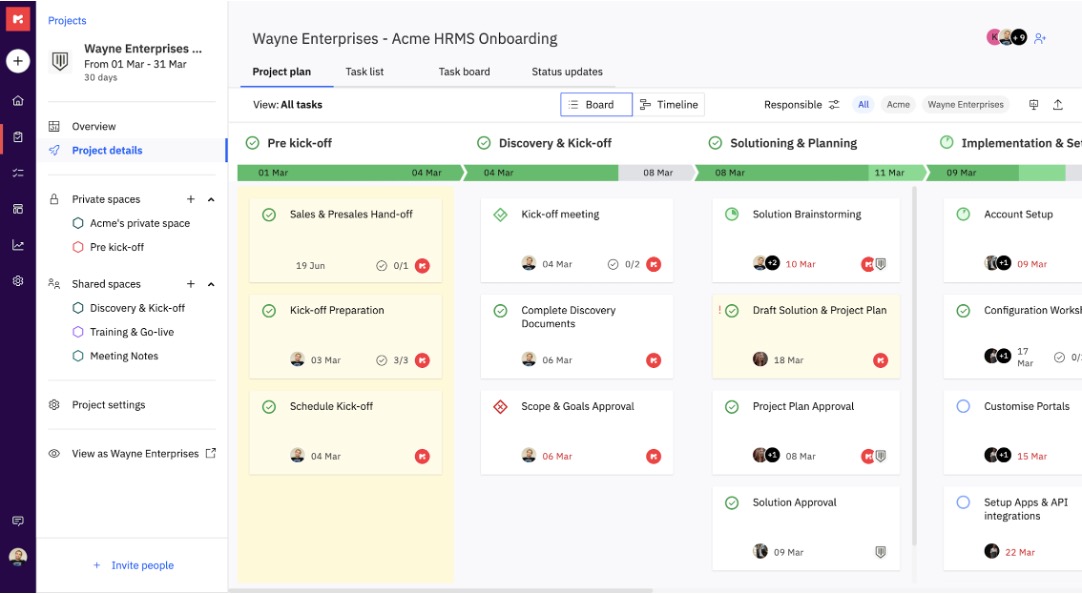
The BigChange Project Portal
Stay in control of your onboarding journey. Our dedicated project portal gives you a real-time view of your progress, so you always know where things stand.
-
Track Milestones
Visualize your project timeline from kick-off to go-live.
-
Manage Tasks
See exactly who needs to complete what, and when.
-
Clear Accountability
Tasks are assigned to both your team and your BigChange implementer.
Post-Implementation Experience
Customer Success
The Customer Success team work with customers to help them drive more value out of BigChange and super-charge their BigChange.

Customer Success
customersuccess@bigchange.comCustomer Support
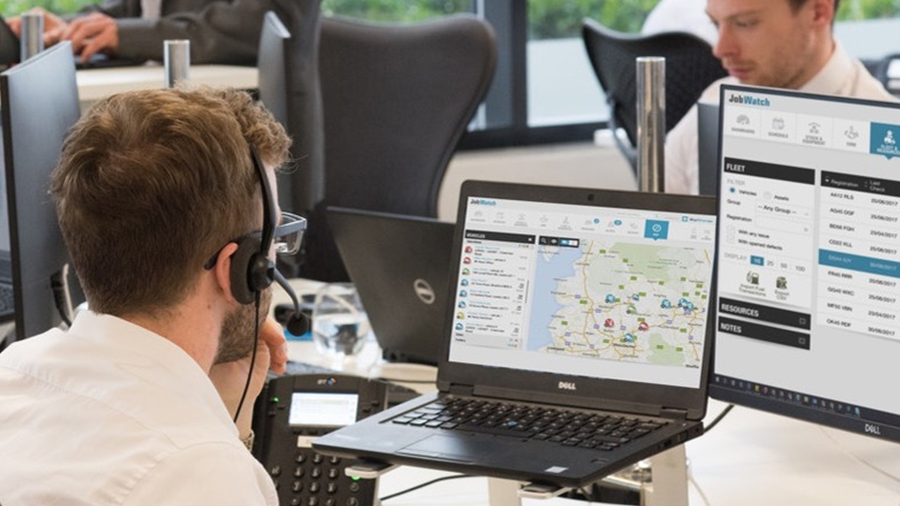
Our Customer Support team is here to support your back-office staff and operatives on the road using the app, 24-7.
support.bigchange.com
0113 457 1000
BigChange Help Site
Our comprehensive Help Site is your go-to resource after you go live. It's packed with articles, videos, and step-by-step guides to help you get the most out of BigChange.
Visit the Help Site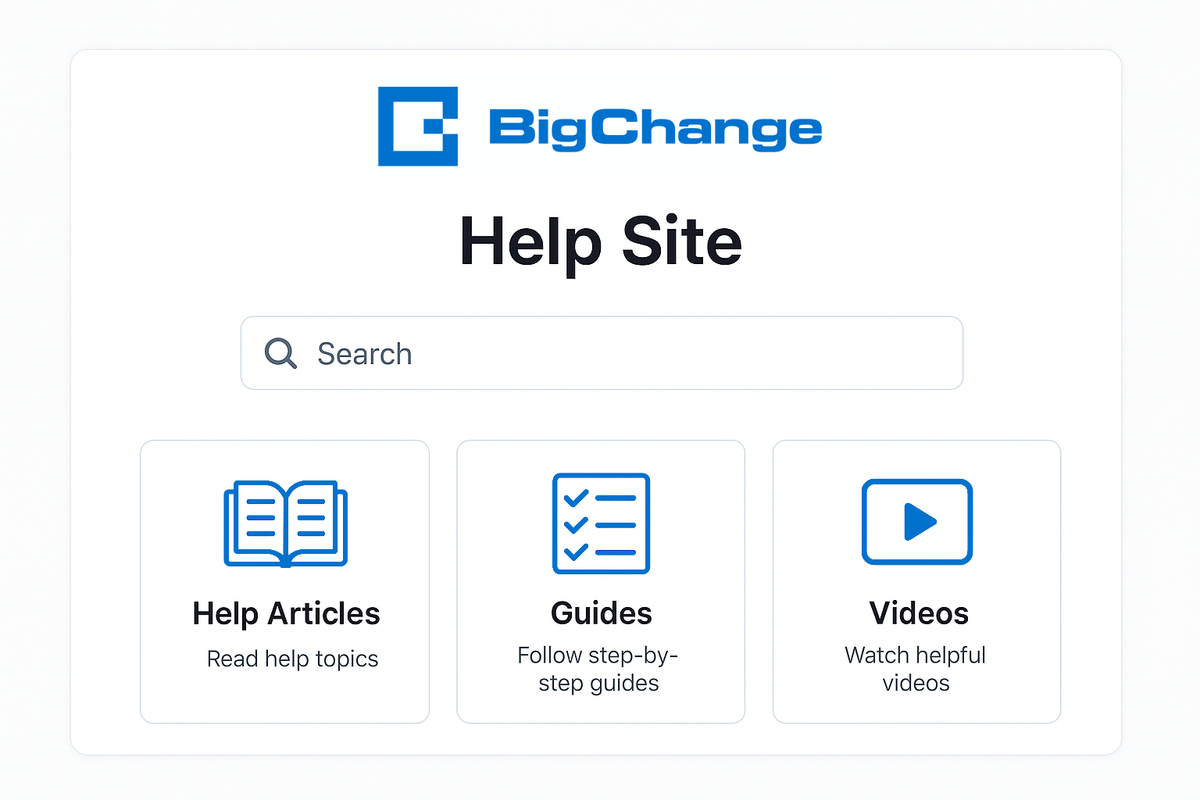
Frequently Asked Questions
What does implementation include?
Implementation is about getting you initial value from your purchase. We focus on scheduling basic jobs and provide key supporting processes. More advanced requirements can be explored with your Customer/Success representative.
What are the lead-times to complete my implementation?
Your onboarding project will be assigned and your scope call will take place within two weeks of the project being assigned. The end-to-end process will typically take 90 days or less.
Do I have a dedicated/exclusive contact for implementation?
You are provided a named specialist to ensure continuity, but this specialist will be running with several projects and is not exclusive to you.
Will BigChange train all my employees and configure every aspect of the platform?
Your implementation specialist will help train your key members of staff, using our BigChange University online learning platform as the primary vehicle, but typically with a view to you onward training this within your company. We strongly advise all users involved in set up from your company complete the Core University before the scope call takes place.
Will BigChange mirror my existing worksheets/templates?
If your existing template is in Word format, we can typically guide you to replicate the look and feel, however standard onboarding will typically include our standard templates, and any custom work to replicate your existing worksheets would be scoped out in the Sales process.
I am too busy to implement BigChange, what can I do?
Your core BigChange license purchase is independent from your Onboarding package. Whilst your OB package is intended to be used within 90 days, it is possible to defer your Onboarding till a later stage. Note that your monthly license charge will continue in full during such an agreement.